Project 1: Images of the Russian Empire
Reconstructing color
How do you take a color photograph before color film is available? Prokudin-Gorskii's approach was to photograph the same scene three times on a black-and-white glass plate, using blue, green, and red filters. Each exposure captured a different part of the scene's color information. Projecting the three images through matching filters and overlapping them could recreate the scene in color.
We can now do the same digitally by treating the scanned exposures as the blue, green, and red channels of an image. But because the pictures were taken one after another, small movements could make the channels misalign. This project finds the shifts needed to line them up and reconstruct the color photograph.
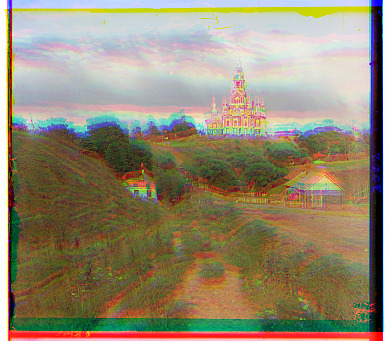
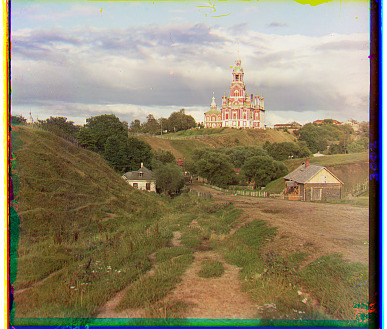
1. Single-scale alignment
I split each scan into its blue, green, and red exposures. Keeping blue fixed, I tried every horizontal and vertical shift from −15 to +15 pixels for green and red.
I scored each shift with normalized cross-correlation (NCC) and chose the highest score. NCC subtracts each region's average and divides by its magnitude before comparing the pixels. This makes it less sensitive to overall brightness and contrast differences.
Here, A is a region from the shifted channel and B is the matching region in blue. I compared the same interior region for every shift, leaving a 10% border margin and excluding wrapped pixels. This kept the scan borders from driving the alignment.
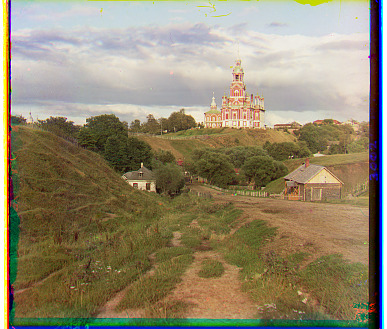
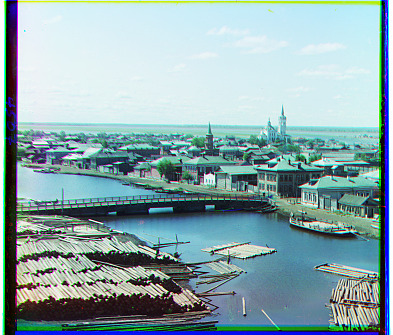
The three JPG results are below. Shifts are (x, y) relative to blue: positive x moves right and positive y moves down.
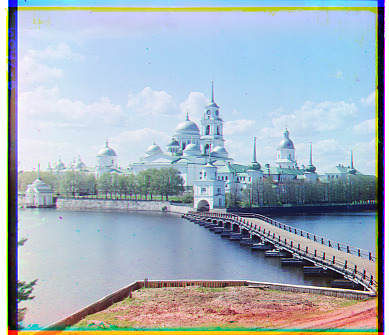
2. Image pyramid
The TIFF channels are roughly 3,200 × 3,700 pixels, and their displacements can exceed the small search window. A wider exhaustive search at full resolution would require many more comparisons, each over millions of pixels.
I used the same NCC search at several scales. Downsampling makes a large displacement small enough to find, and each larger level refines that estimate.
- Resize both channels by a factor of ½ with anti-aliasing. Repeat until the smaller dimension is at most 200 pixels.
- Run the ±15-pixel search on the smallest images.
- Return to the next larger level and double both components of the estimated shift.
- Search ±2 pixels around that estimate, then repeat until reaching the original resolution.
I wrote the recursive pyramid and displacement search directly. Scikit-image handles image loading and anti-aliased resizing; NumPy handles the NCC calculations and shifts. The score uses raw channel intensities throughout. Every image uses the same settings.
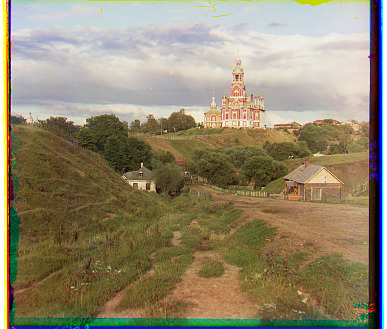
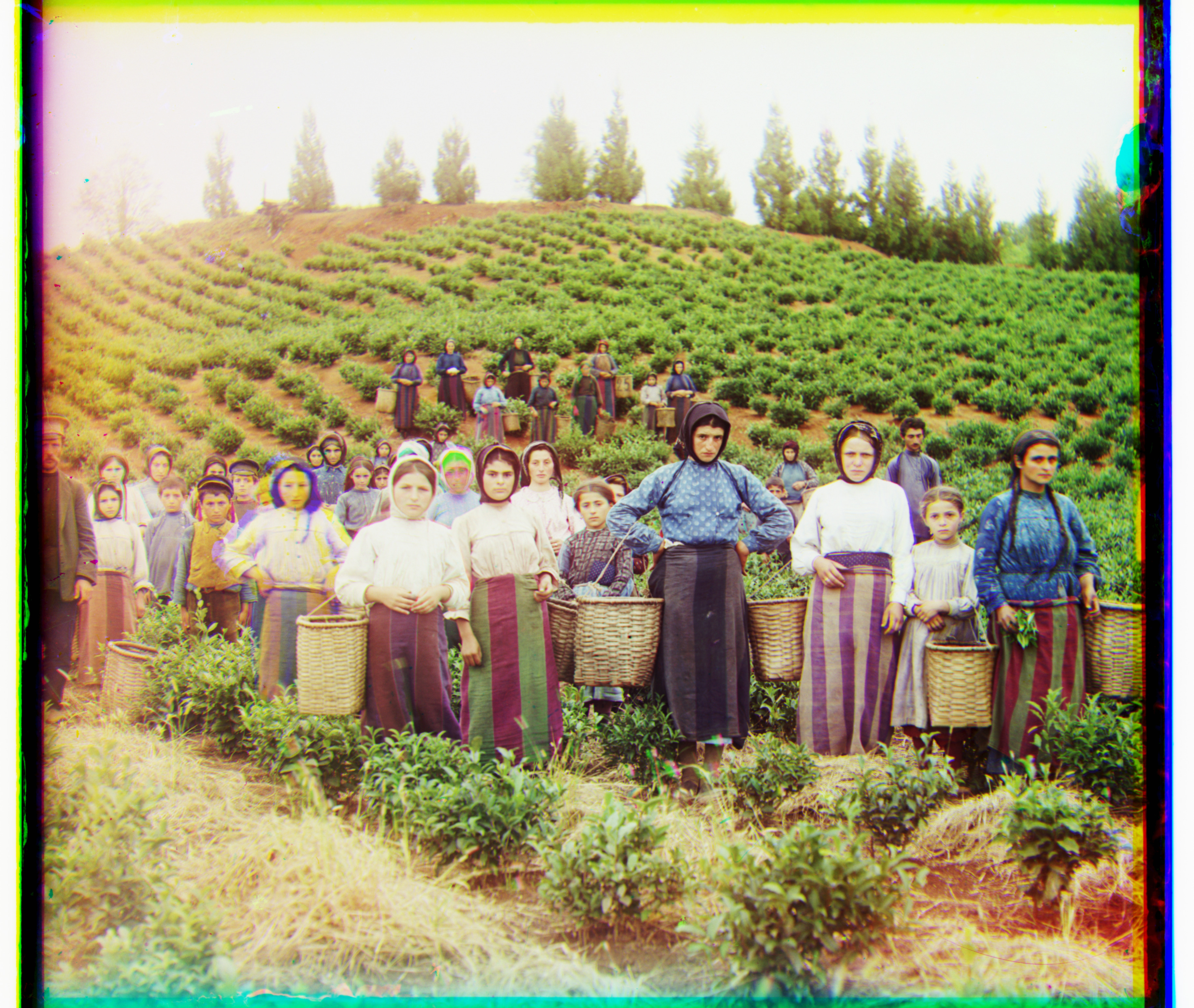
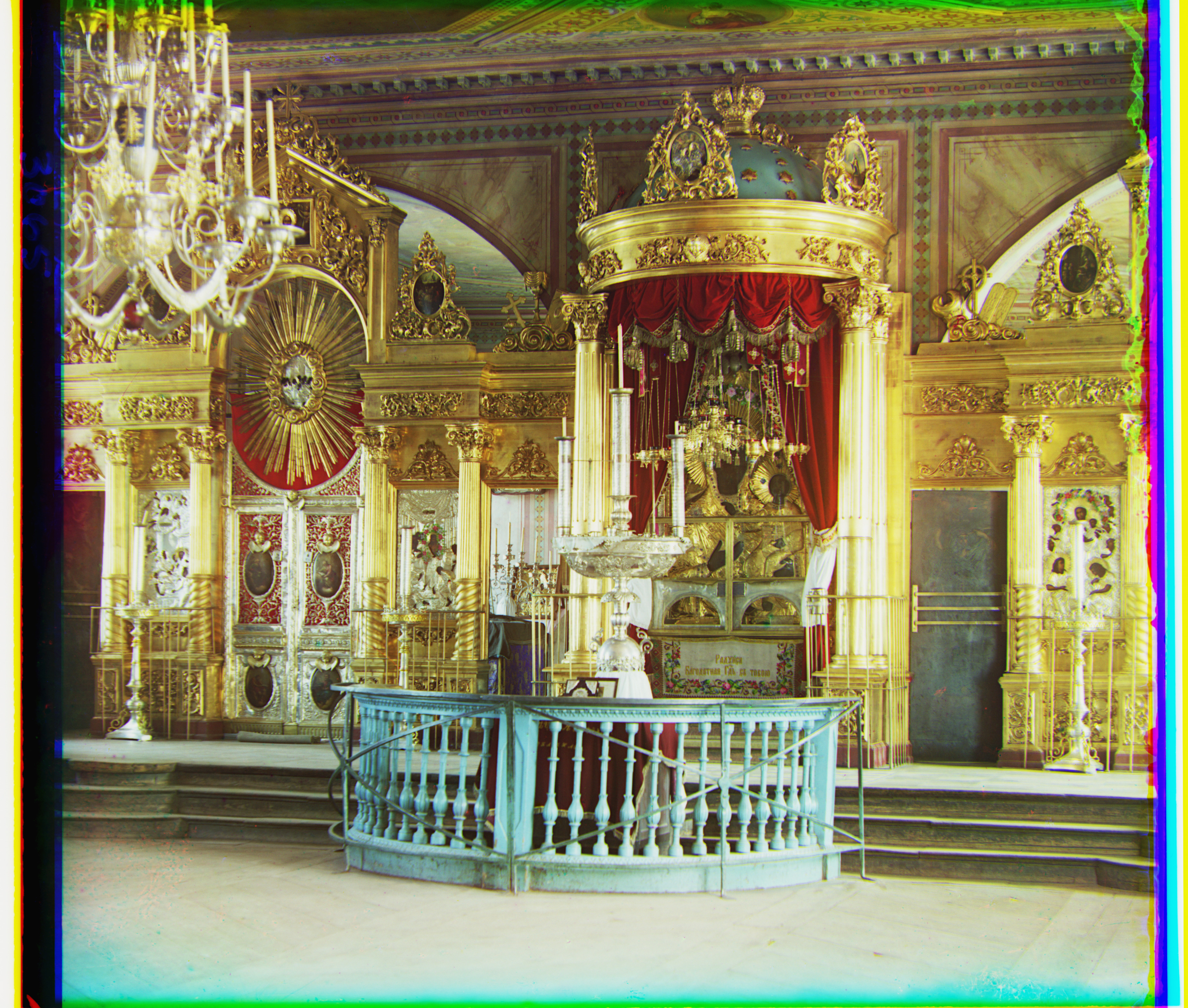
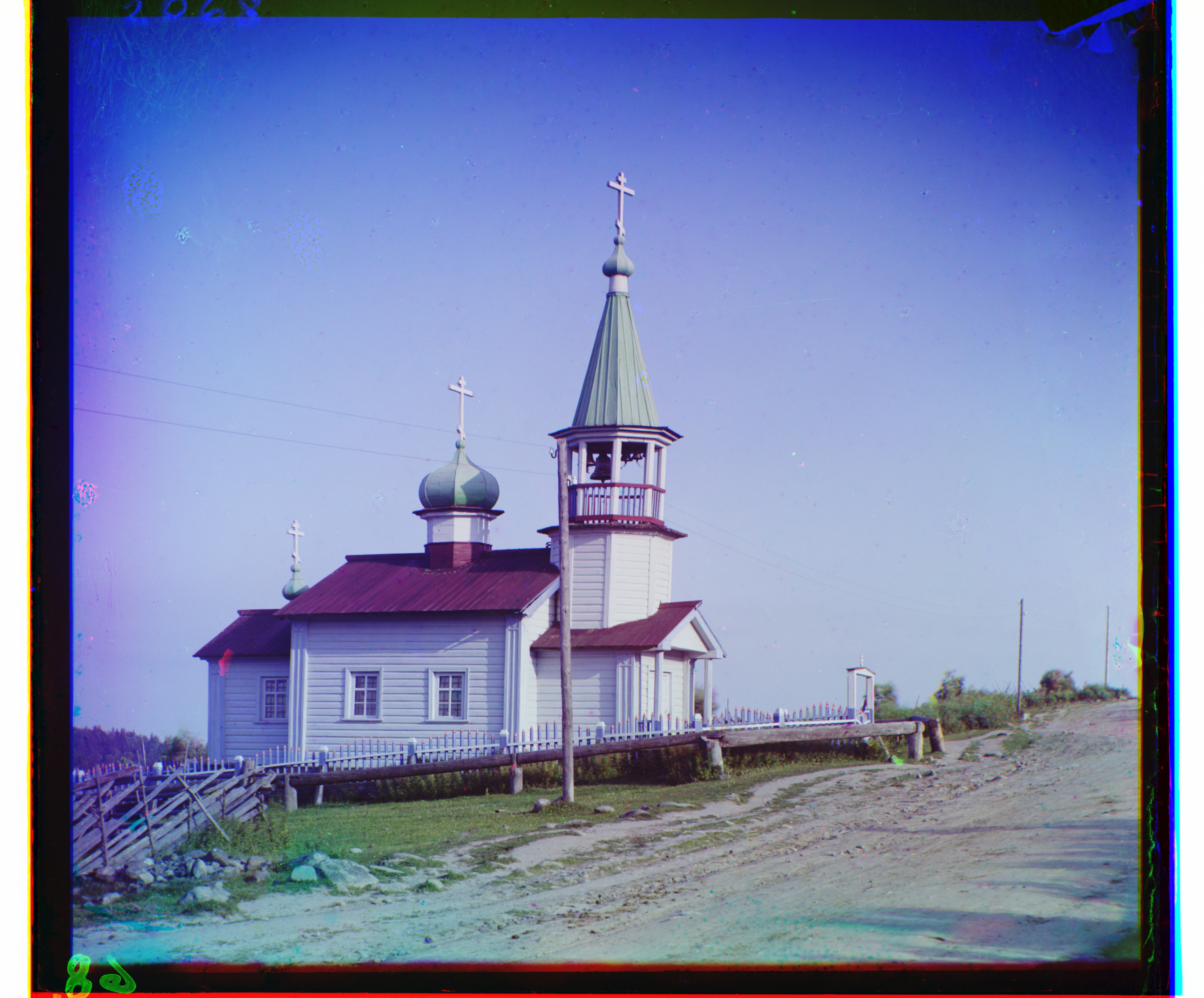
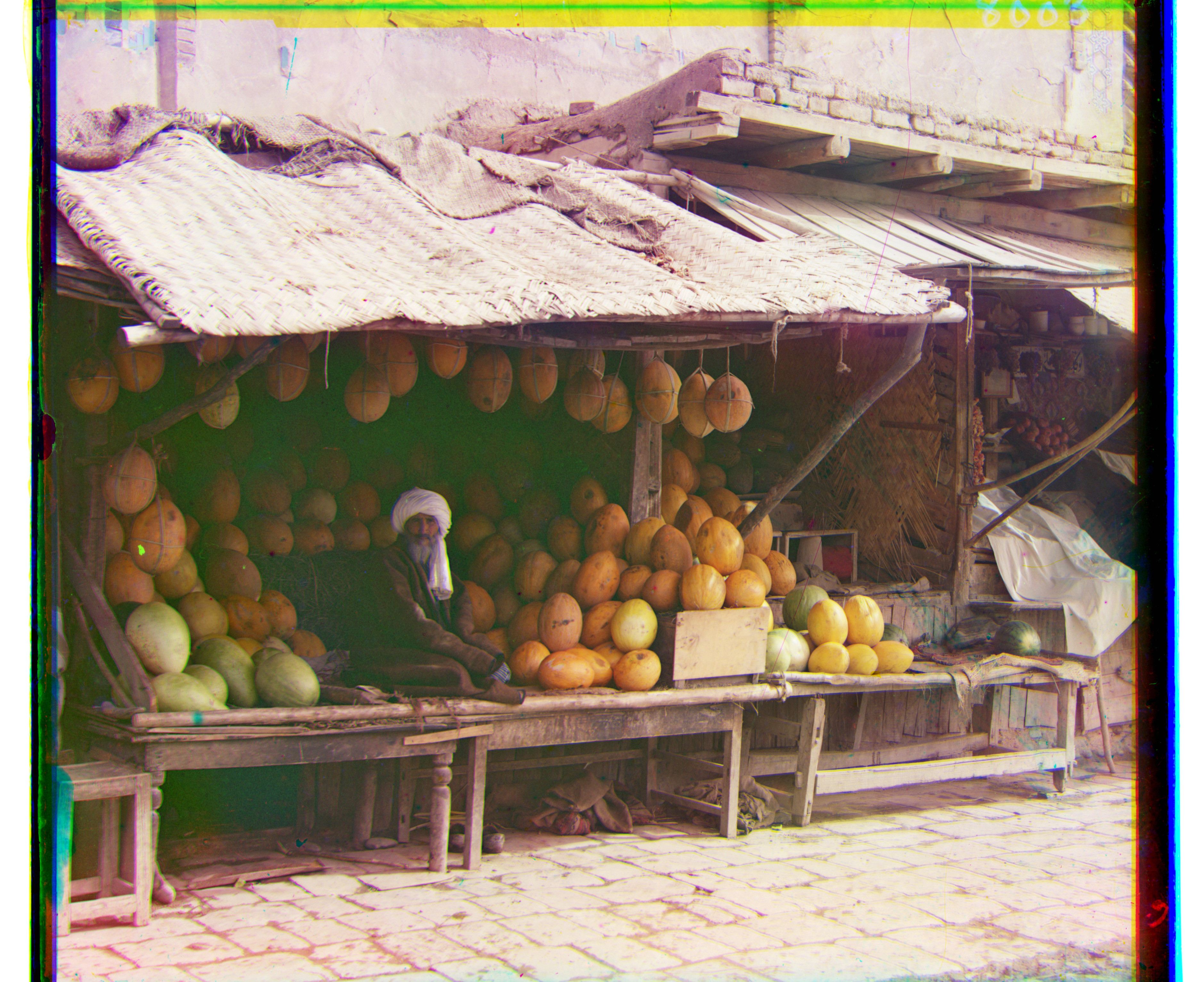
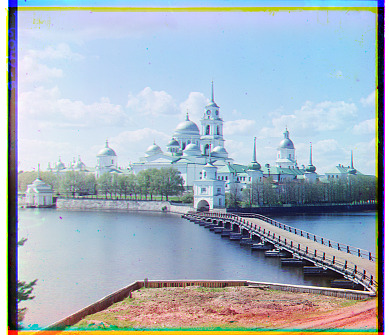
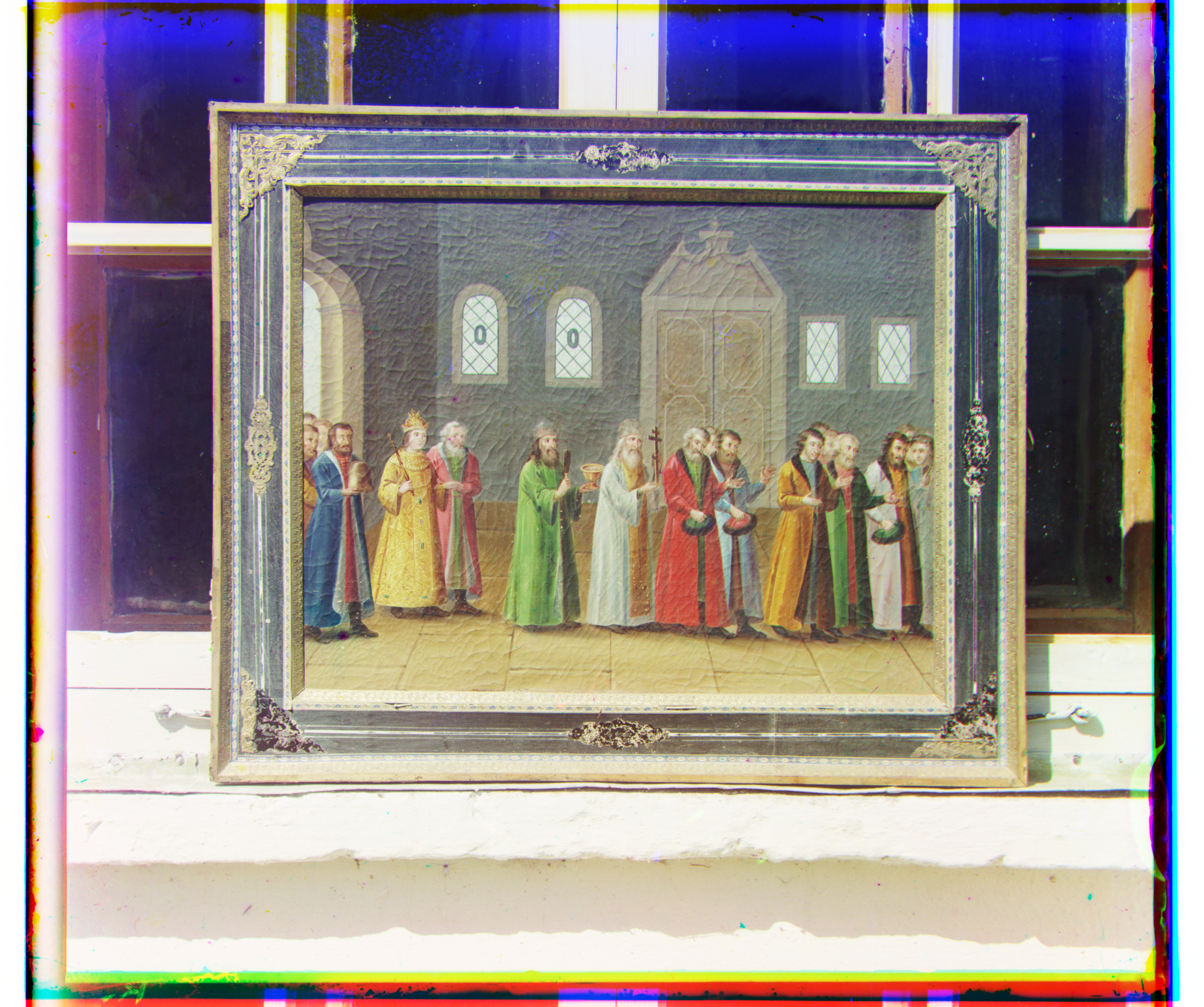
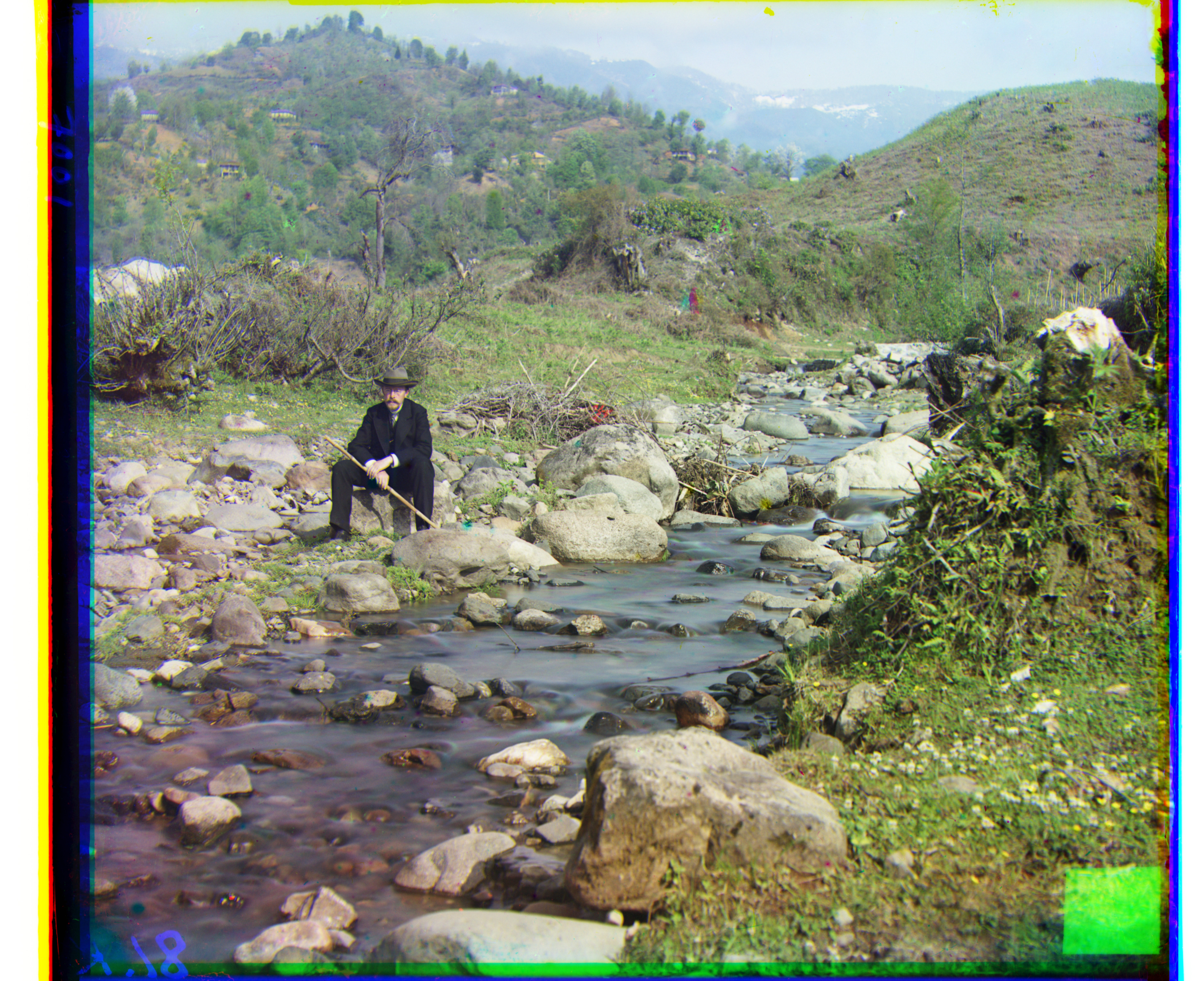
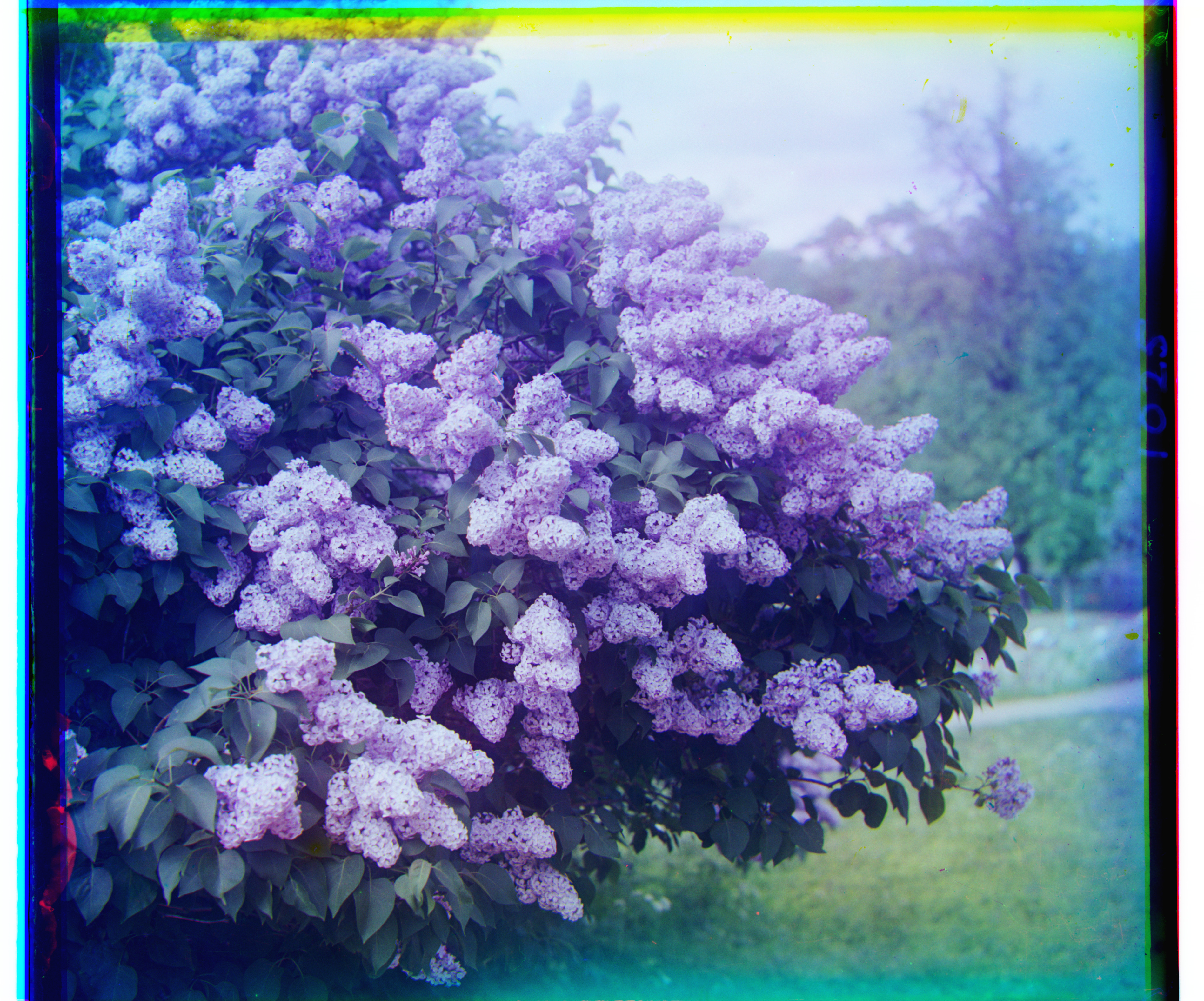
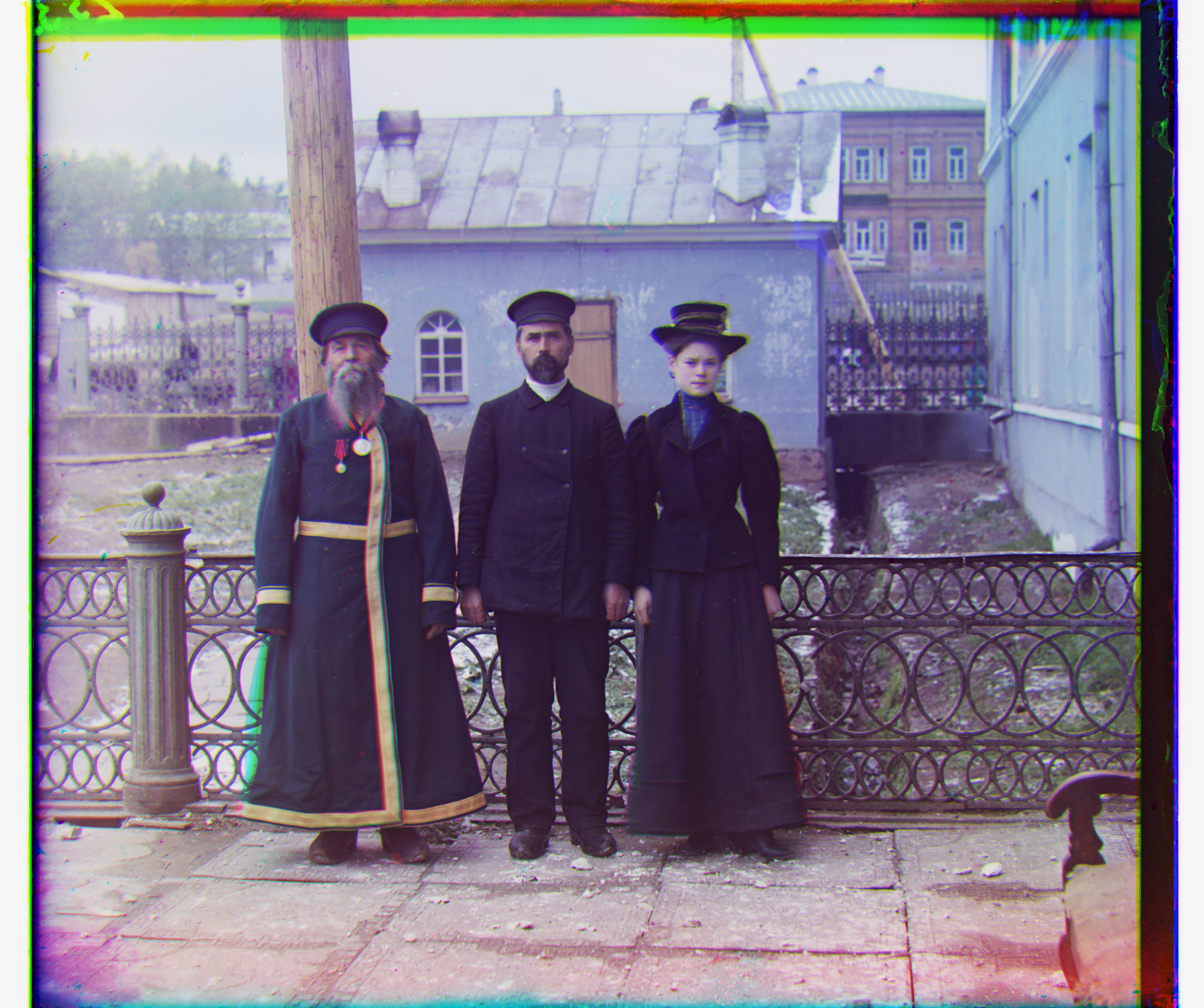
These are all 14 supplied images. The pyramid returned the same offsets as the single-scale search for the three JPGs. Thirteen supplied images aligned visually; Emir's red channel failed and is discussed below.
3. Three additional scans
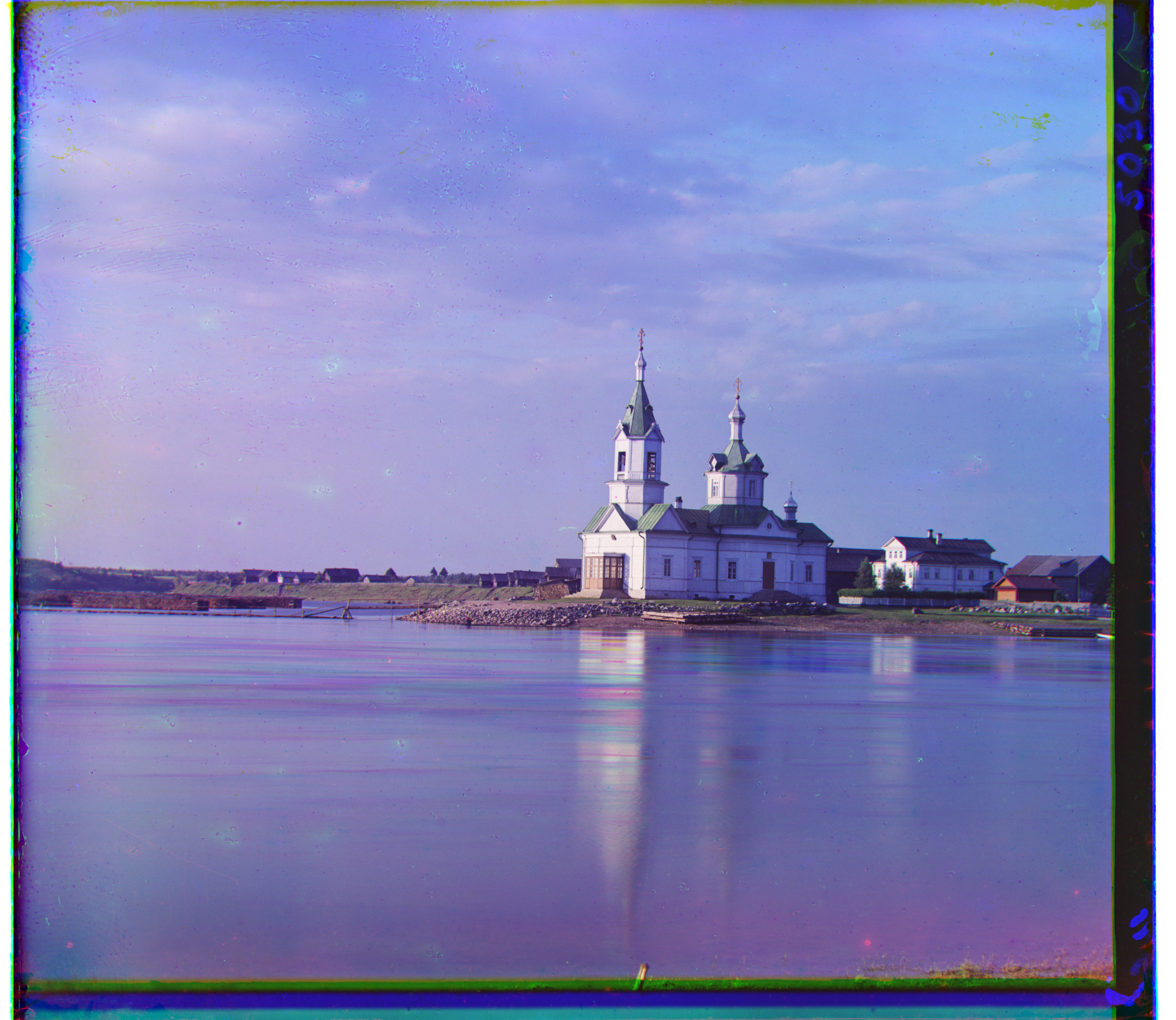
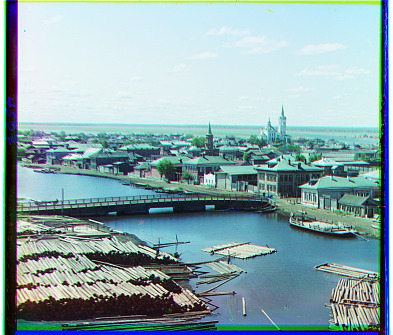
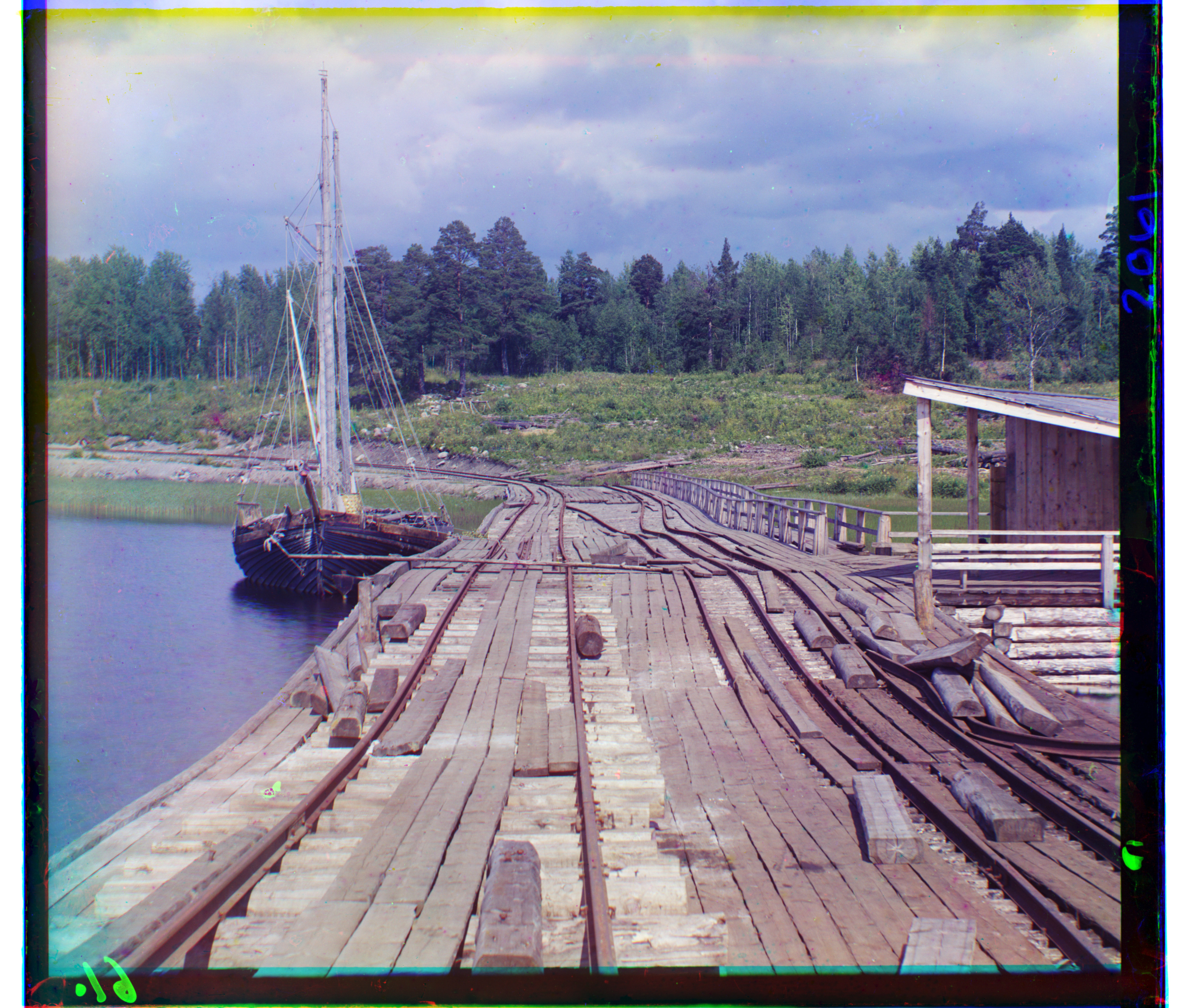
I used three more full-resolution glass-plate negatives from the Library of Congress. These cover a waterfall, a view across Sochi, and the weighing section of a tea factory. Each ran through the same pyramid and NCC pipeline without changing the parameters. The image titles link to their source records.
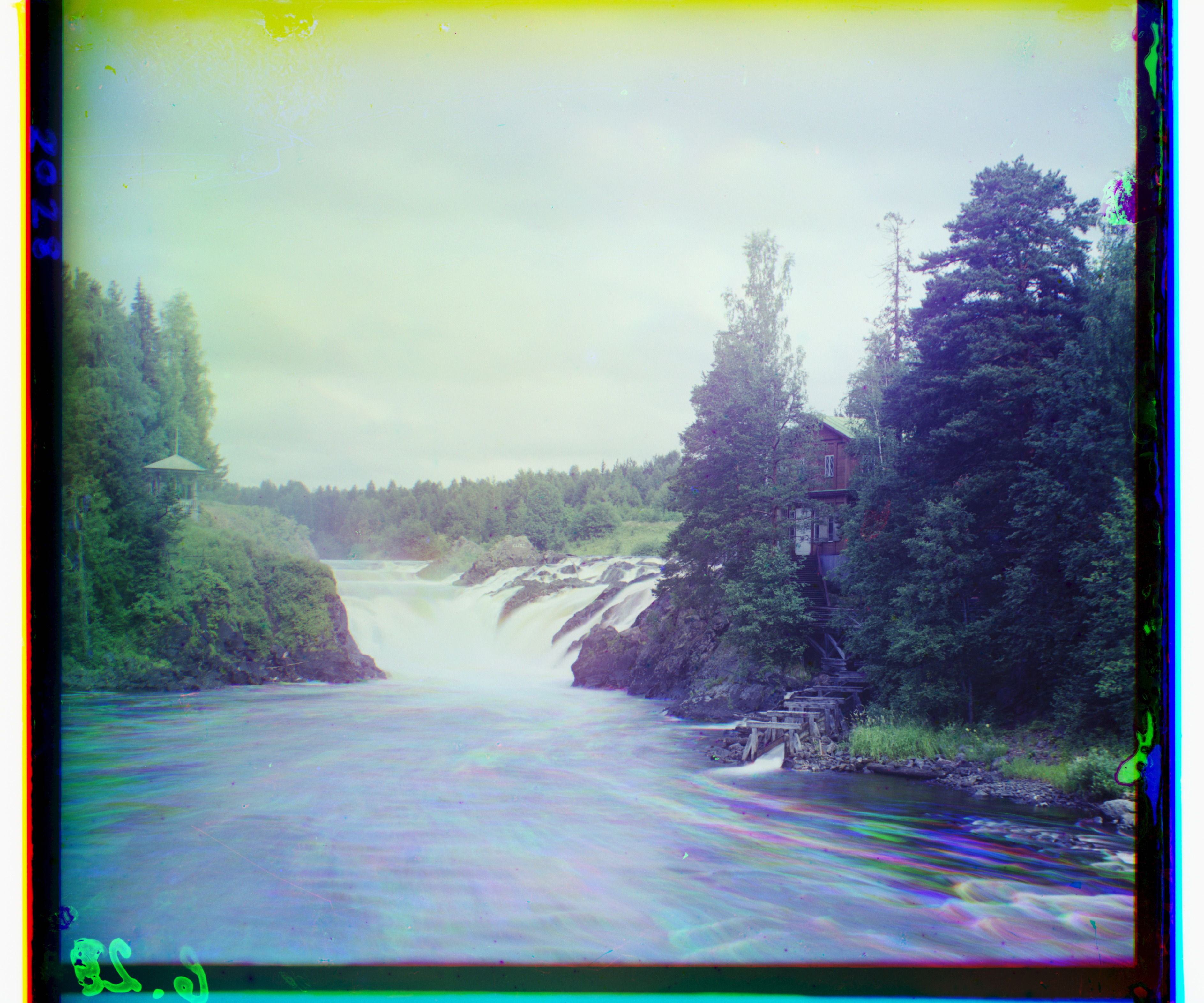
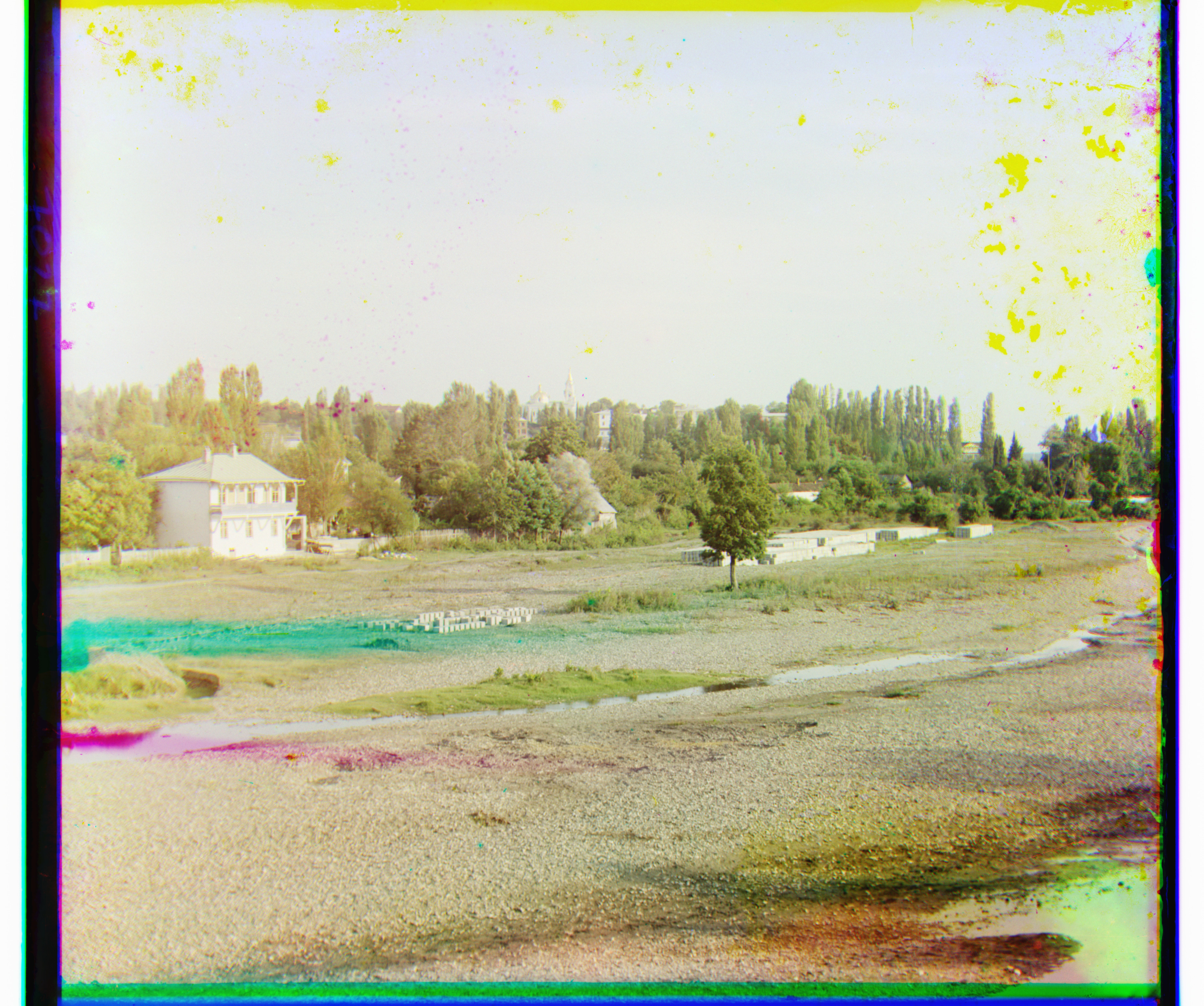
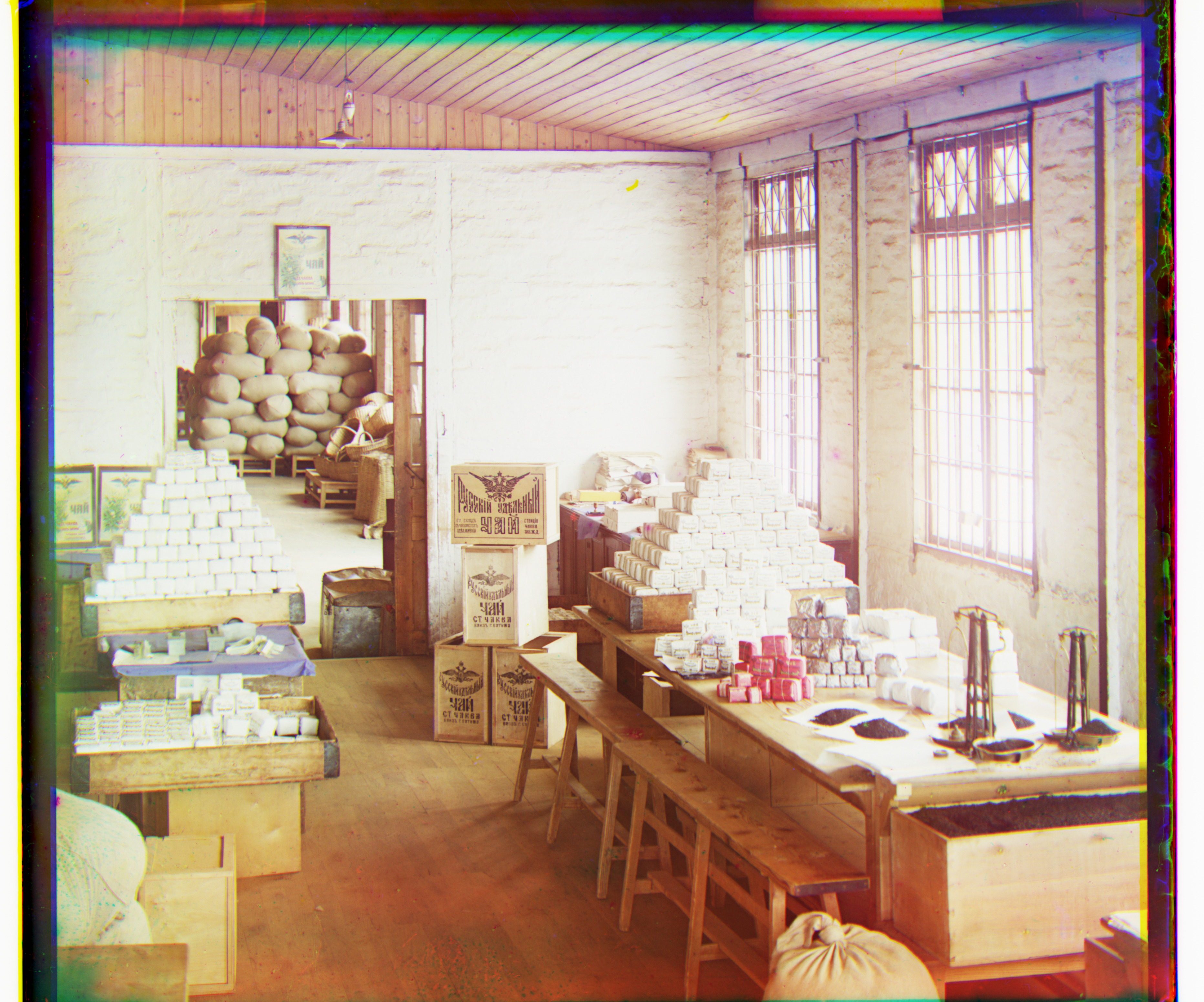
The stationary structures line up in all three results. The waterfall still has colored streaks in the water because it moved between exposures. The Sochi scan also contains damage in the sky. A translation cannot remove either of these effects.
4. What did not align
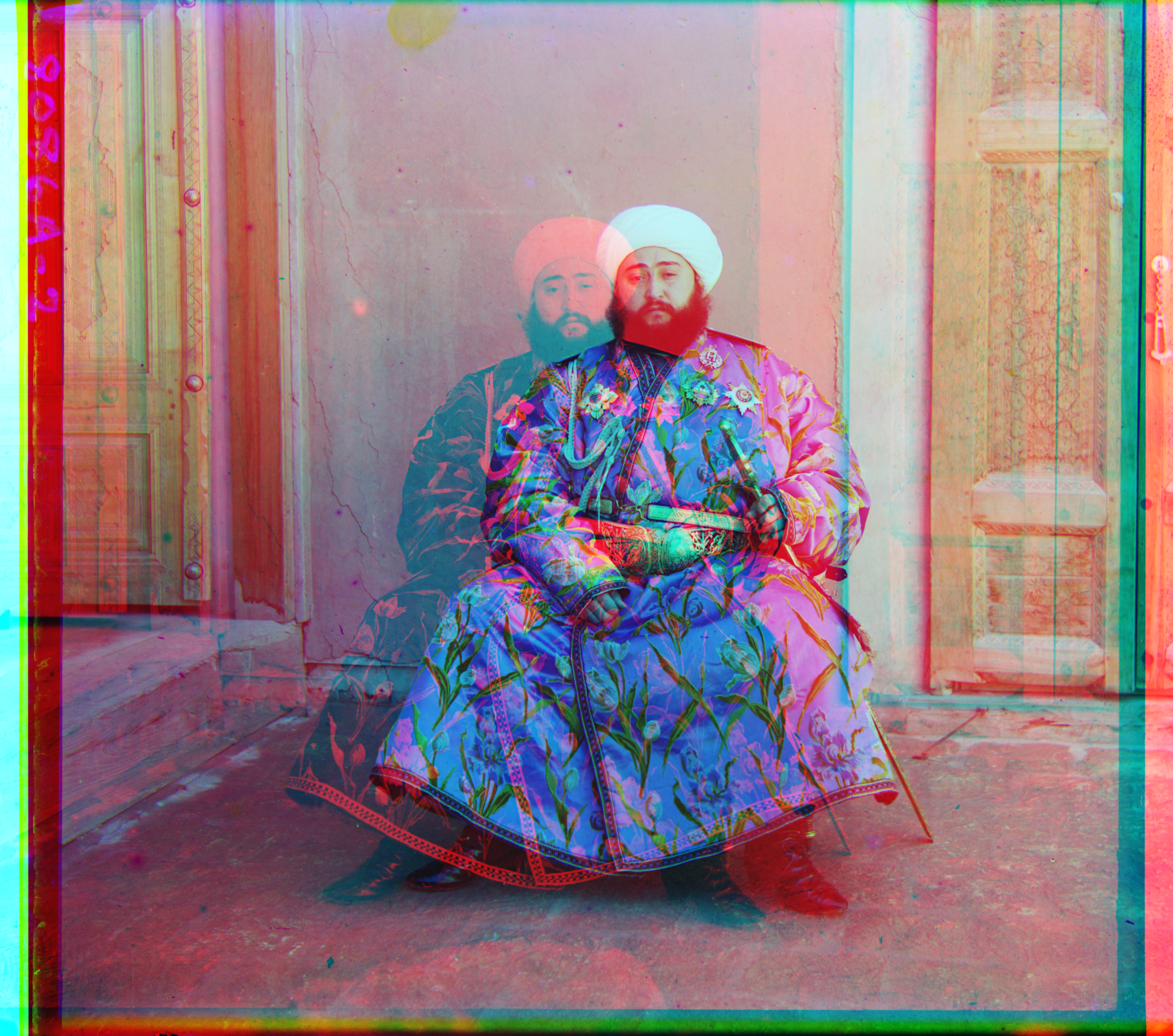
Emir is the one clear alignment failure. NCC returned G (24, 49) and R (−205, 141), which places the red exposure far from the other two. His robe is bright in the blue exposure and dark in the red exposure. Subtracting each channel's mean does not remove that change in relative brightness, so the correct alignment does not necessarily maximize raw-pixel NCC.
The enlarged result makes the failure visible around his face and robe. I kept this result rather than manually setting its displacement.
Remaining borders and small artifacts
After shifting, I kept the rectangular region shared by all three channels to remove wraparound pixels. This only removes invalid pixels introduced by translation. The original scan borders and damaged areas remain visible. No automatic border detection, contrast adjustment, white balance, or other restoration was applied.